


















































Dual Vision: Google’s New AI Mode Kills the Tab-Switching Nightmare
Google just launched a major update to its AI Mode that will change how you browse the web. On Thursday, the tech giant revealed a new side-by-side experience for Chrome desktop. Now, when you use AI Mode, clicking a link does not replace your current view. Instead, it opens the web page right next to your AI chat. This simple change solves one of the biggest headaches in modern browsing: the constant, dizzying cycle of switching between tabs to find information and then jumping back to ask a question.
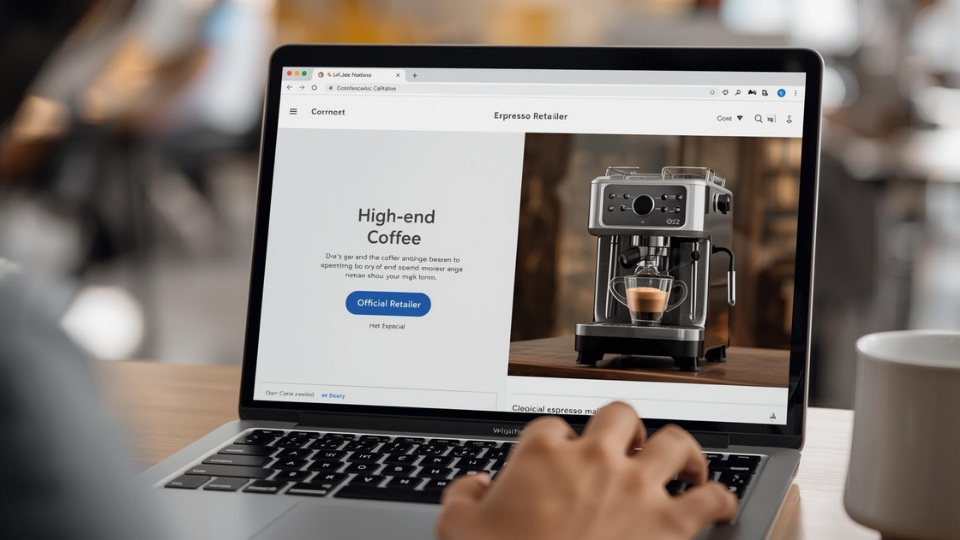
The goal here is total context. Google wants to make it easy for you to explore websites and compare tiny details without losing your place. Imagine you are in the market for a new coffee maker. You can describe your dream machine in AI Mode and get a list of options. When you click on a specific retailer, that site pops up in a split-screen view. You can then ask the AI specific questions like, “Does this model fit under a standard cabinet?” or “How hard is it to clean the milk frother?” AI Mode uses the information on the live page and data from across the web to give you an instant answer. You get the help you need while keeping your eyes on the product.
Search Your Own Tabs
This update goes beyond just side-by-side viewing. Google also introduced a way to bring your open tabs into your AI search. On both desktop and mobile, you can now tap a new “plus” menu in the search box. This lets you select recent tabs, images, or even local files to include in your query. This means you can mix and match context from different sources to get much smarter results.
If you are researching local hiking trails and already have three different trail maps open in other tabs, you can add them to your search. You can ask the AI to find a similar trail in a different city based on the elevation and distance of the ones you are already looking at. If you are a student studying for a big exam, you can pull in context from your class notes, lecture slides, and open browser tabs all at once. You can ask for examples to illustrate a complex concept using the specific terminology from your professor’s slides. It turns your browser into a workspace that actually understands everything you are working on.
A More Focused Web Experience
Early testers of the feature reported that they felt much more focused. They did not have to leave a long article or a video to get help from the AI. Having everything in one window helped them stay on task while they explored useful web pages. Google is betting that this integrated approach will keep users loyal to Chrome as AI-first startups try to lure them away with new browsing tools.
For now, these updates to AI Mode are rolling out to users in the United States. Google plans to expand the features to more regions and languages very soon. As AI becomes a bigger part of our daily lives, tools like this show that the future of the web is not just about finding links. It is about having a smart assistant that can see what you see and help you make sense of it in real time.