Texting on Autopilot: OpenAI Drops Apple Messages Plugin for ChatGPT
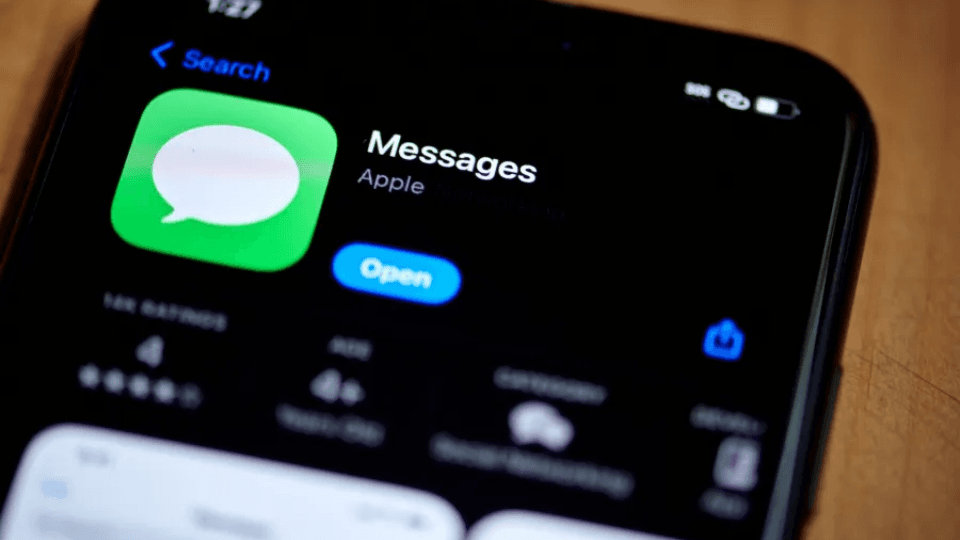
OpenAI just launched an Apple Messages plugin for ChatGPT, giving users a way to link their text inbox directly to the chatbot. If you want to hand over your text threads to an intelligent assistant, this tool brings chat management directly into the ChatGPT interface.
The fresh integration gives users a wide range of ways to manage daily messaging. You can ask ChatGPT to organize your inbox, review complex text threads, draft quick responses, or edit messages before sending them out. The extension works seamlessly across Codex and ChatGPT Work accounts, making it useful for both professional work chats and personal conversations with friends.
A short promotional ad showing off the plugin features a user asking ChatGPT to suggest follow-up texts based on conversations received the previous day. Beyond writing suggestions, you can instruct ChatGPT to clean up old conversations, delete unwanted messages, draft fresh texts, send messages automatically, or dig through your chat history to find buried information like addresses or meeting times.
Placing your text history inside a chatbot naturally raises real security concerns. OpenAI informed reporters that the plugin operates locally on the user’s personal device rather than storing text archives on distant cloud servers. The company confirmed that the tool does not build a searchable index of your private message history, though full technical details about local processing routines remain vague.
When it comes to automated message delivery, OpenAI urges users to exercise caution. The company advises against turning on persistent approval settings, warning that giving the assistant full sending authority removes your ability to review a text before it goes out to your contacts. Reviewing every outgoing draft ensures you prevent embarrassing typos or accidental messages.
This move marks a major shift in how people handle daily communications on iOS devices. Managing dozens of active text threads every day takes real time and focus, especially for professionals who rely on text messages for quick business deals and client updates. Delegating routine scheduling texts, follow-ups, and basic replies to an assistant helps clear out inbox clutter fast.
However, trusting software with direct access to personal messages requires clear safety boundaries. Mistakes in automated text threads can lead to awkward misunderstandings, missed appointments, or leaked private information. Setting up manual confirmation checks for every draft keeps you in total control while still letting software handle the tedious work of searching, sorting, and organizing your conversations.
As software assistants take over daily digital tasks, managing your inbox becomes far less demanding. With direct access to Apple Messages, ChatGPT turns a standard text app into an active digital assistant ready to process, organize, and reply to your messages on demand.